


Your brand, from a link.
Paste a link. Motion looks at the site, takes in its colors, type, and tone, and builds the film in your brand.
Describe your film. Your AI designer creates the first cut. Then shape it together.
Free forever · Apple silicon · macOS 13 or later.
Works with your Claude plan or an Anthropic API key.
Meet Motion
Launch films, product videos, social clips, title sequences. Tell Motion what you’re making, and it builds the film layer by layer, then plays it for you. No timeline to learn.

A clip is something you get.
A film is something you direct.
Talk to it. Point at it.
Change anything. Keep what works.
Notes on the film
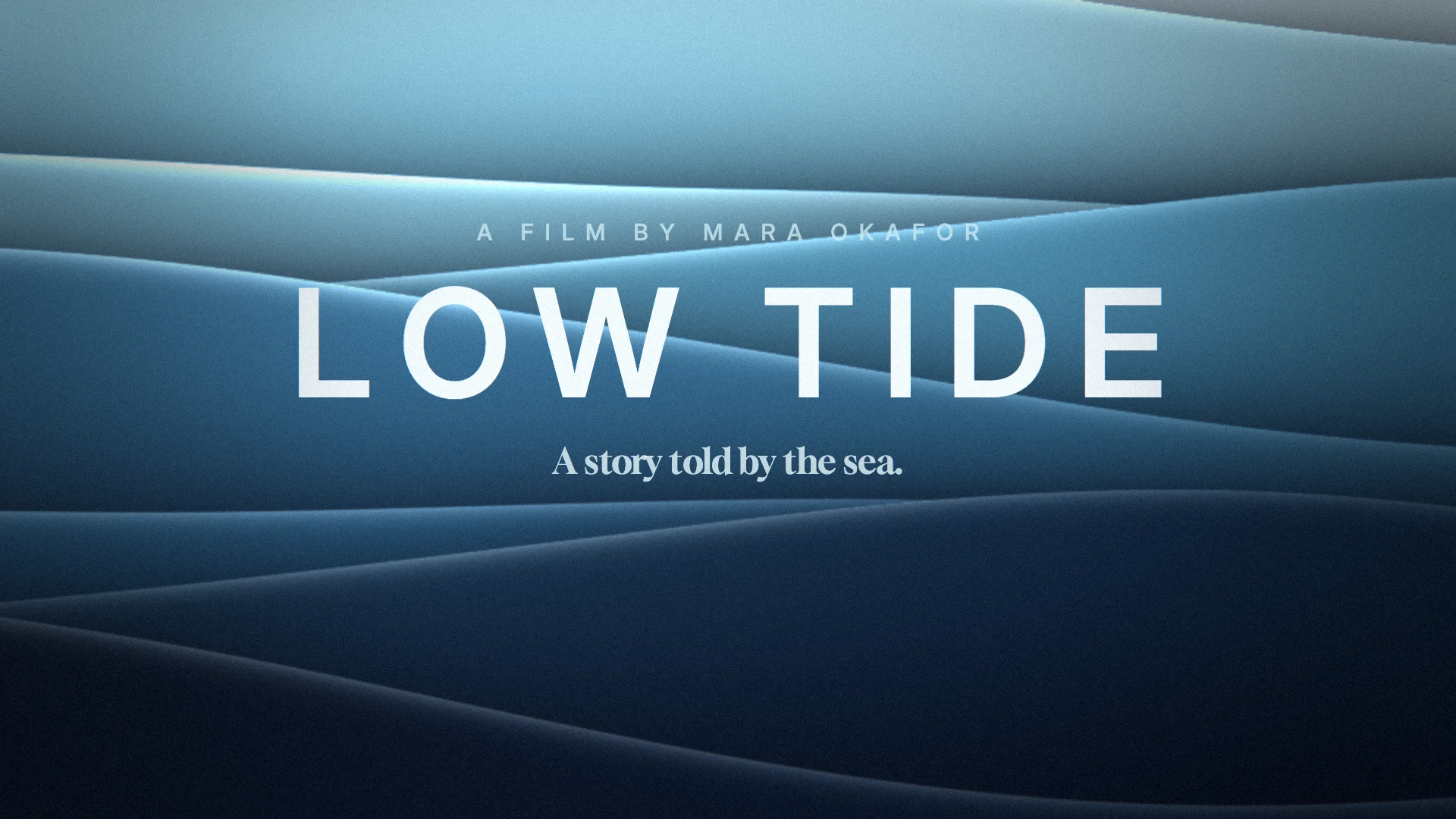
Your film plays live from the first frame. Nothing to render. Nothing to wait for.
Click the film and it stops on that exact frame.
Click the title and type it: “Make the title land harder.” The note pins to that layer, at that moment.
“Warmer. More sunset.” Notes wait until you’re ready, like a director after a screening.
Every note goes at once. The pins turn purple while Motion works on what you pointed at.
Each note gets a one-line answer. Don’t love it? Undo it, even days later.
Effects
Liquid chrome, aurora, neon, ink, light. Each one runs live inside your film, so Motion can tune it to your brand, or you can, by hand. When a film needs something new, Motion writes it.
Plus Silk, Bokeh, God Rays, Fireworks, Murmuration, Synthwave Grid, Light Leaks, Confetti, and dozens more.
Two ways to work

Watch the film and tell Motion what you want. Leave notes right on it. You never see a keyframe unless you want to.
Built in
Paste a link. Motion looks at the site, takes in its colors, type, and tone, and builds the film in your brand.
Motion composes an original soundtrack, timed to your film’s cuts. No stock music. No licenses to chase.
Built in, and every one free to use in anything you make.

Hold Compare to see the frame as it was when you wrote the note. Don’t love it? Undo it, even next week.
Encoded by your Mac’s own hardware, not in the cloud. Fast, and never uploaded.
Attach a logo, a brief, a track, or a clip. Motion reads what it can and puts the rest in your film.
Each film is a WeMotion document in your Documents folder, yours to move, copy, and back up.
Widescreen, vertical, or square. Say “Make it vertical,” and Motion reframes the film.
Why WeMotion
Generators hand you a clip to re-roll. Templates hand you someone else’s idea. Professional software hands you a manual. WeMotion hands you a film you can direct.
| Feature | WeMotion | AI video generators | Template apps | Pro animation software |
|---|---|---|---|---|
| Made from a sentence | Yes | Yes | Partly | No |
| Layers you can edit | Yes | No | Partly | Yes |
| Direct it while it plays | Yes | No | No | No |
| Point at it and say what to change | Yes | No | No | No |
| Live 3D and effects | Yes | No | No | Yes |
| No experience needed | Yes | Yes | Yes | No |
By category, October 2026. Individual products vary.
Powered by Claude
Motion is built on Claude, by Anthropic. Sign in with your Claude account and Motion runs on your Claude plan. Rather use an API key? That works too.
FAQ
A Mac app for motion graphics: launch films, product videos, social clips, title sequences, and explainers. You describe what you want and Motion, an AI motion designer, builds it with you while you watch. Then you point at anything on the film to change it.
Yes—a free account keeps your WeMotion setup connected to you. Enter your email the first time you open the app and confirm the code we send. No password or payment. Once signed in, local editing works offline; AI creation needs internet and your separate Claude connection. Signing in does not subscribe you to marketing emails.
Yes. Motion runs on Claude, by Anthropic. Sign in with your Claude account in the app and Motion uses your Claude plan, or add an Anthropic API key instead. Motion’s work counts toward your plan’s usage, like any Claude chat.
No. In Vibe you just watch and tell Motion what you want. If you do know motion design, Pro mode gives you every layer, keyframe, and easing curve, and Motion is still there when you want a hand.
Macs with Apple silicon, running macOS Ventura or later. Films play live and export on your Mac’s own hardware.
Download the Mac app, open the .dmg file, and drag WeMotion into Applications. Open WeMotion from Applications, verify your email to create your free WeMotion account, then connect your Claude account or add an Anthropic API key. WeMotion is signed with our Apple developer certificate and notarized by Apple. macOS may ask you to confirm the first time you open it.
It depends on the film and on how creative you ask Motion to be. Quick is the lightest. Bold adds a director’s pass, and All out adds two; those take longer and use more of your Claude usage. Motion’s work counts toward your plan like any Claude chat.
You do. WeMotion claims no rights to your films. Your projects are files on your Mac, and the typefaces built into WeMotion are free to use in anything you make. Media you bring in from elsewhere keeps its own license.
Your films live on your Mac. When you talk to Motion, your messages and what it needs to see of your film go to Anthropic under your own Claude account and its privacy settings. When Motion searches the web or opens a site you name, those requests go to the web.
Always. Switch to Pro mode for the full timeline: layers, keyframes, easing, effects, and 3D settings. Motion sees your edits and builds on them.
Not today. WeMotion is a Mac app, made for Macs with Apple silicon.

Free forever · Version 1.1.0 · Apple silicon · macOS 13 or later.
Open the download, drag WeMotion into Applications, then launch it, verify your email, and connect Claude.